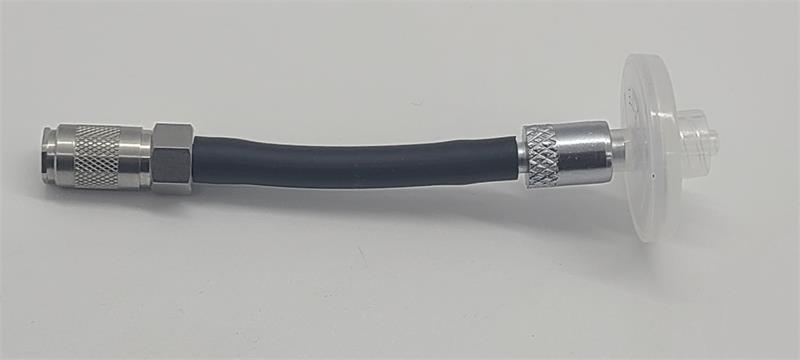
The Probe Testing Adapter was designed to help you identify the root cause of filter-related errors.
How to use the Probe Testing Adapter
When a filter error is encountered:
1. Remove the probe, attach the Probe Testing Adapter and a clean probe tip filter to run a self-check.
2. If there are no errors, then the probe was the cause of the issue. Report the probe issue to LDARtools support.
If there are errors, submit the issue to LDARtools and comment: “Self-check completed with Probe Testing Adapter”.